View, search, archive and restore organizations
Find any organization on the platform, check its status and number of apps, and archive organizations you no longer need. Archived organizations can be restored at any time.
Before you start
- You need a platform owner account.
Steps
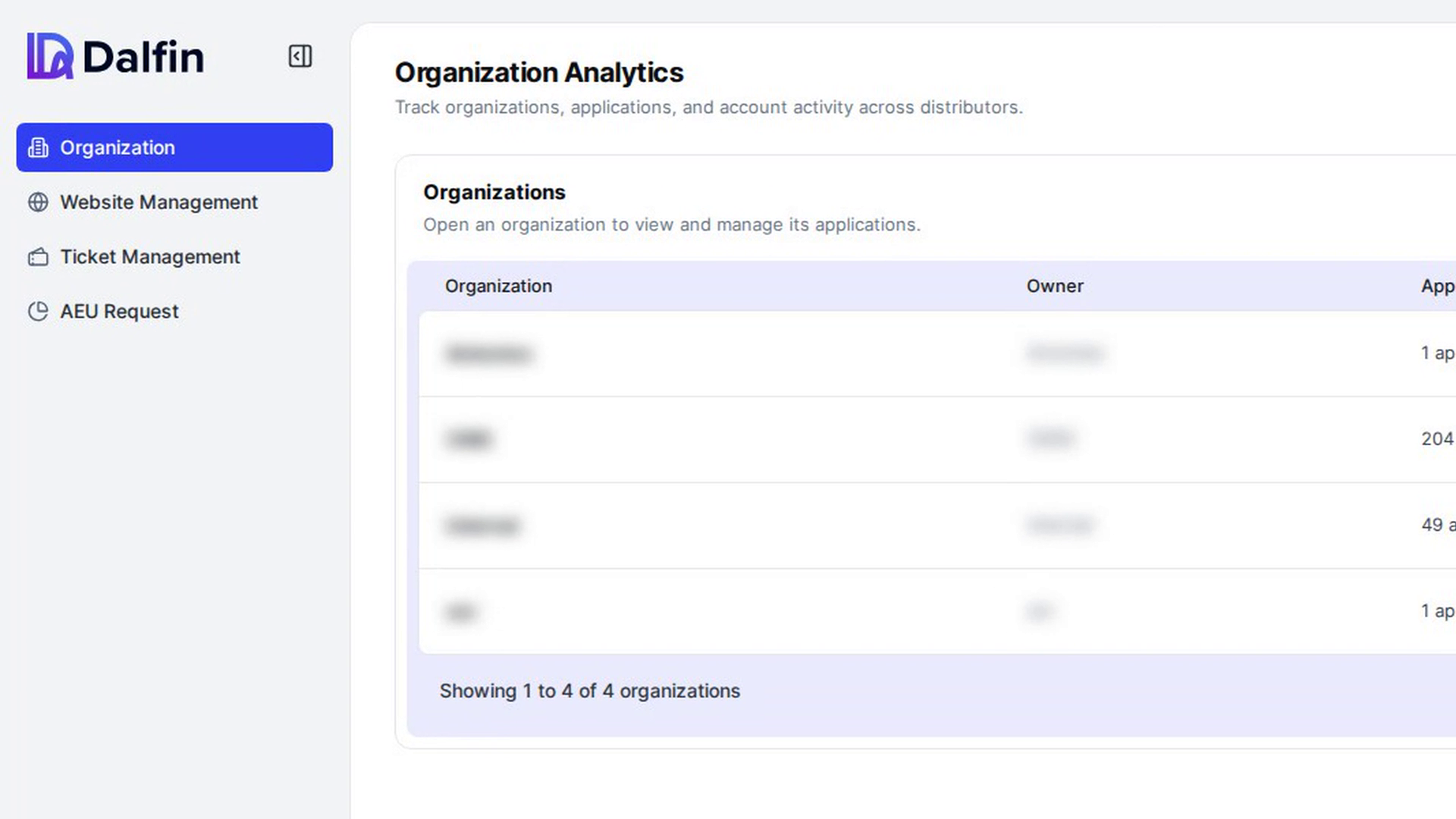
Open the organization list
In the admin panel sidebar, select Organization. Under Organizations you see a table with these columns: Organization, Owner, Applications, Status and Last updated.
Use ← Previous, Next → or a page number at the bottom to move through the list. The text beside them shows how many organizations there are in total.
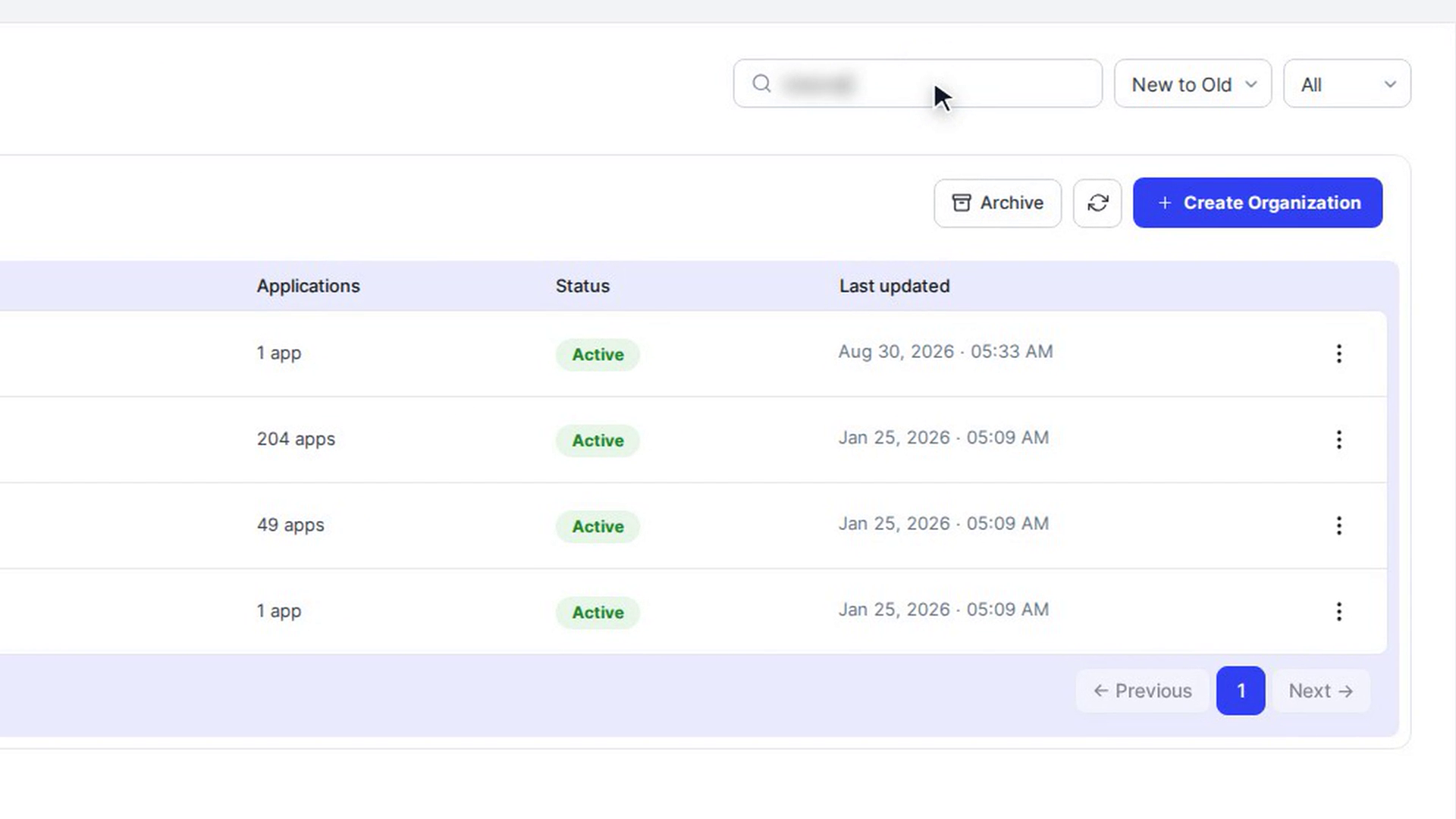
Search and sort
Type in the Search Organization... box at the top right. The list narrows to the organizations that match.
Use the sort menu next to it to order the list New to Old, Old to New, Z to A or A to Z.
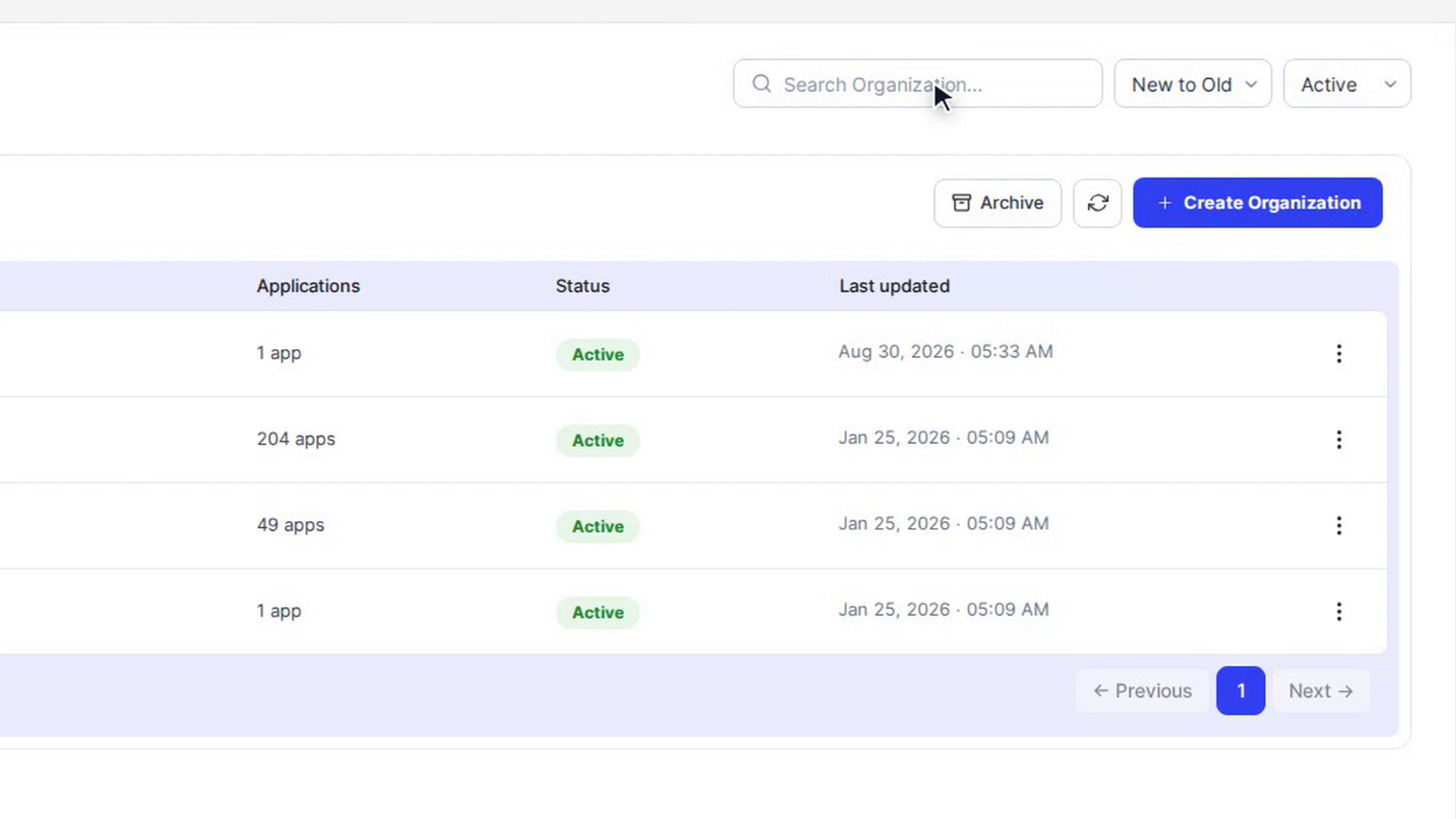
Filter by status
Use the status menu to show All, Active or Inactive organizations.
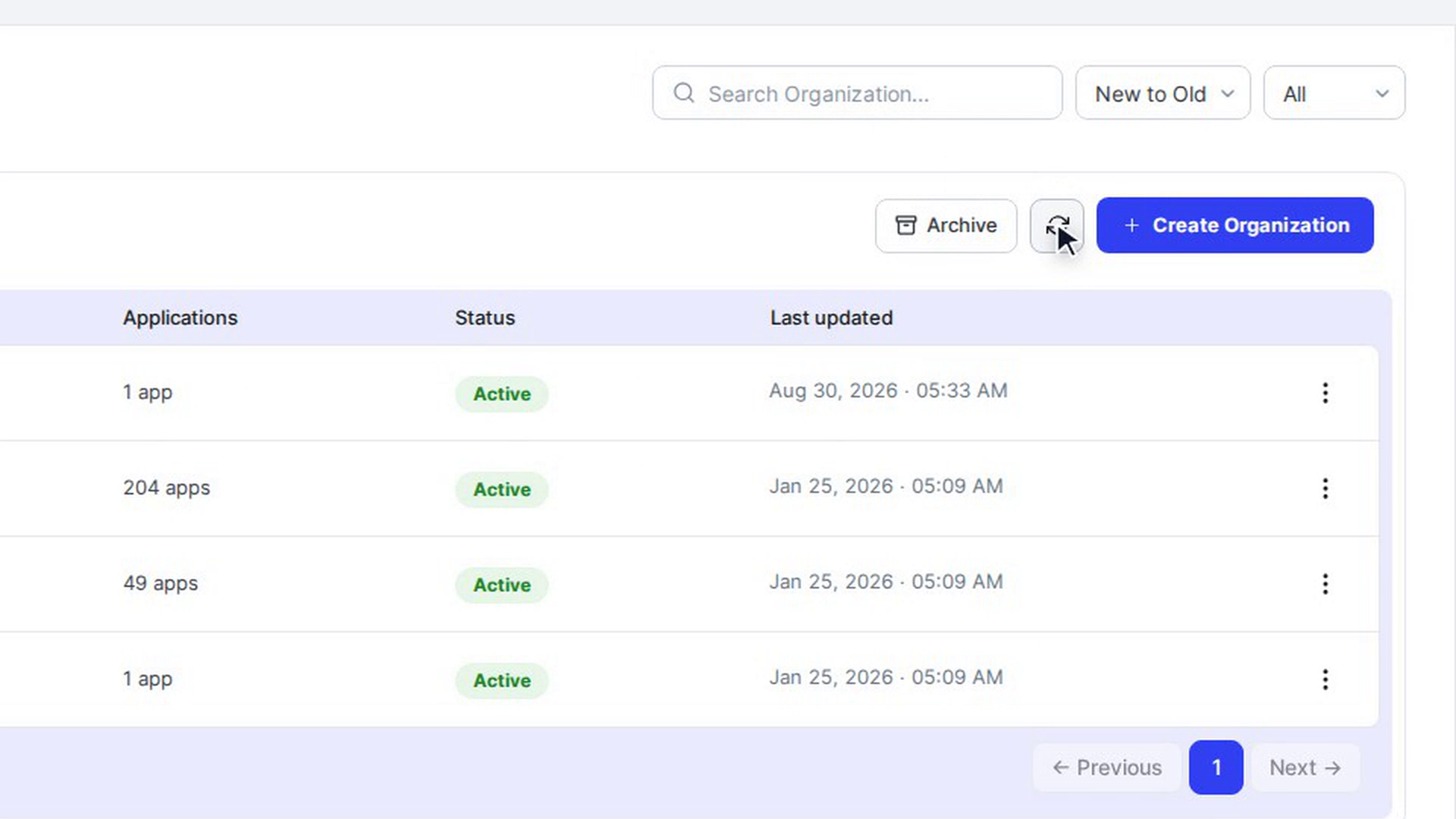
Refresh the list
Select the refresh icon next to Create Organization to reload the list with the latest data.
Archive an organization
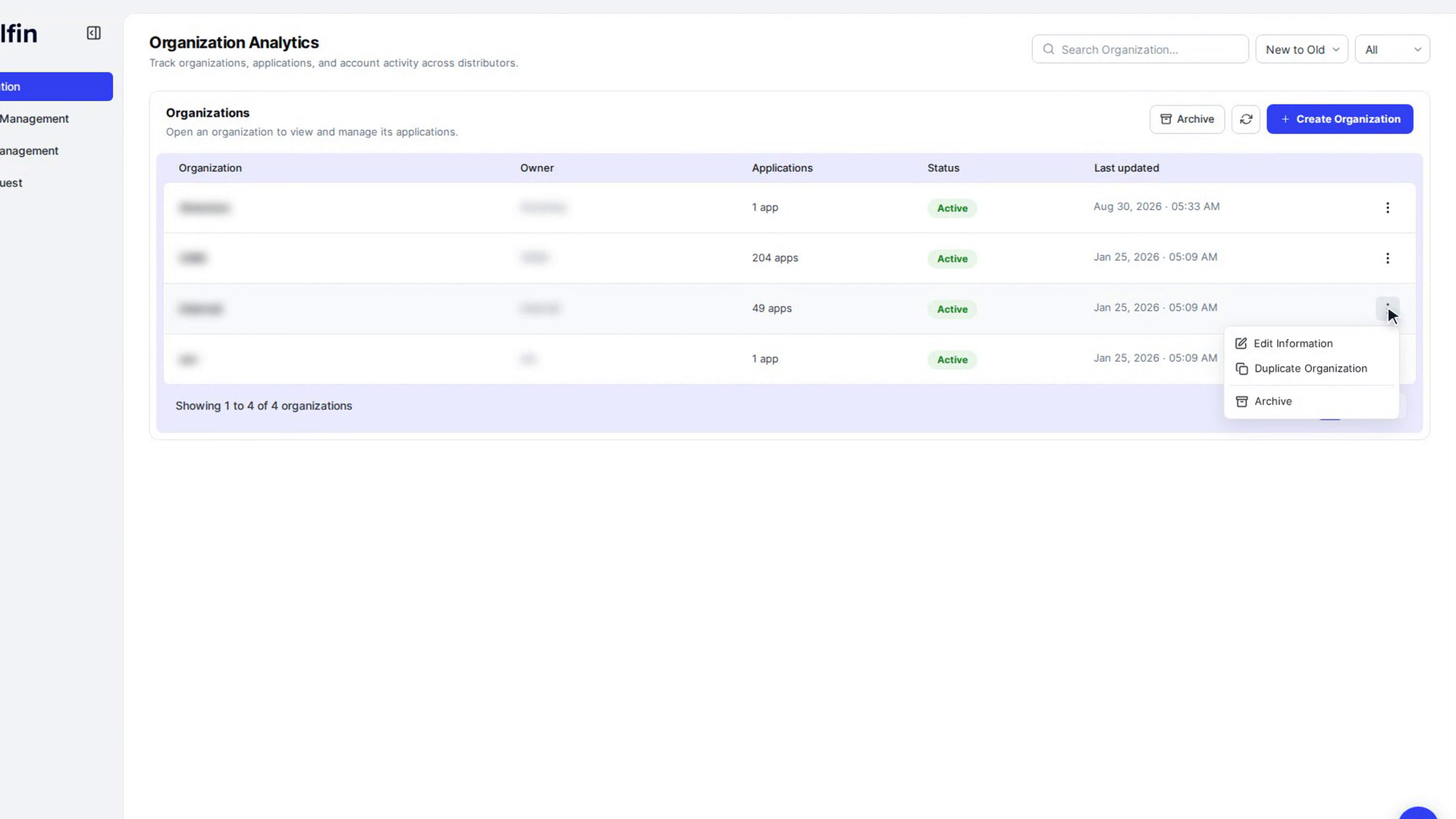
Select the three-dot menu (More actions) at the end of the organization's row and choose Archive. In the Archive Organization window, select Archive to confirm.
You see Organization Archived, and the organization disappears from the current list.
See archived organizations
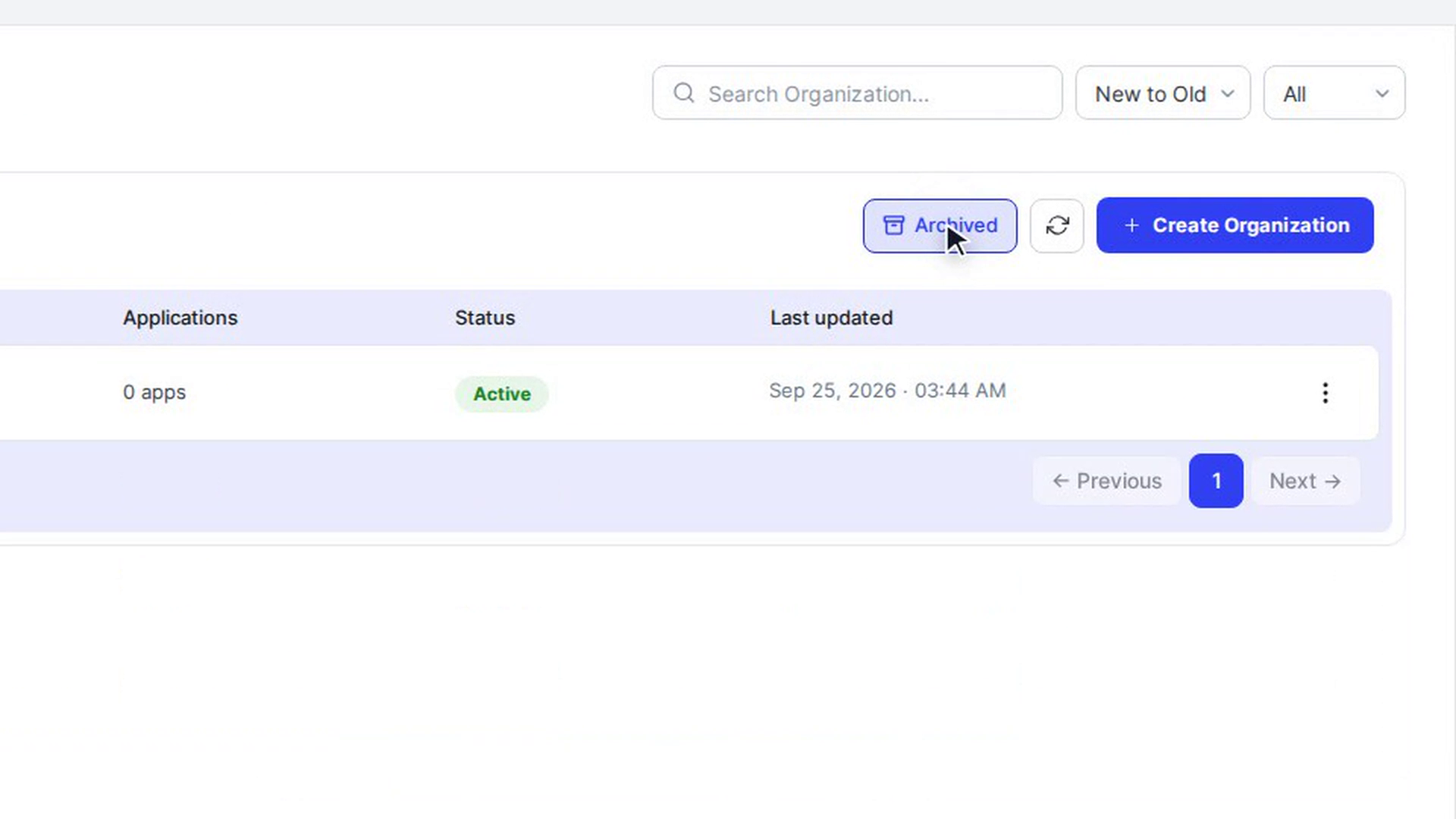
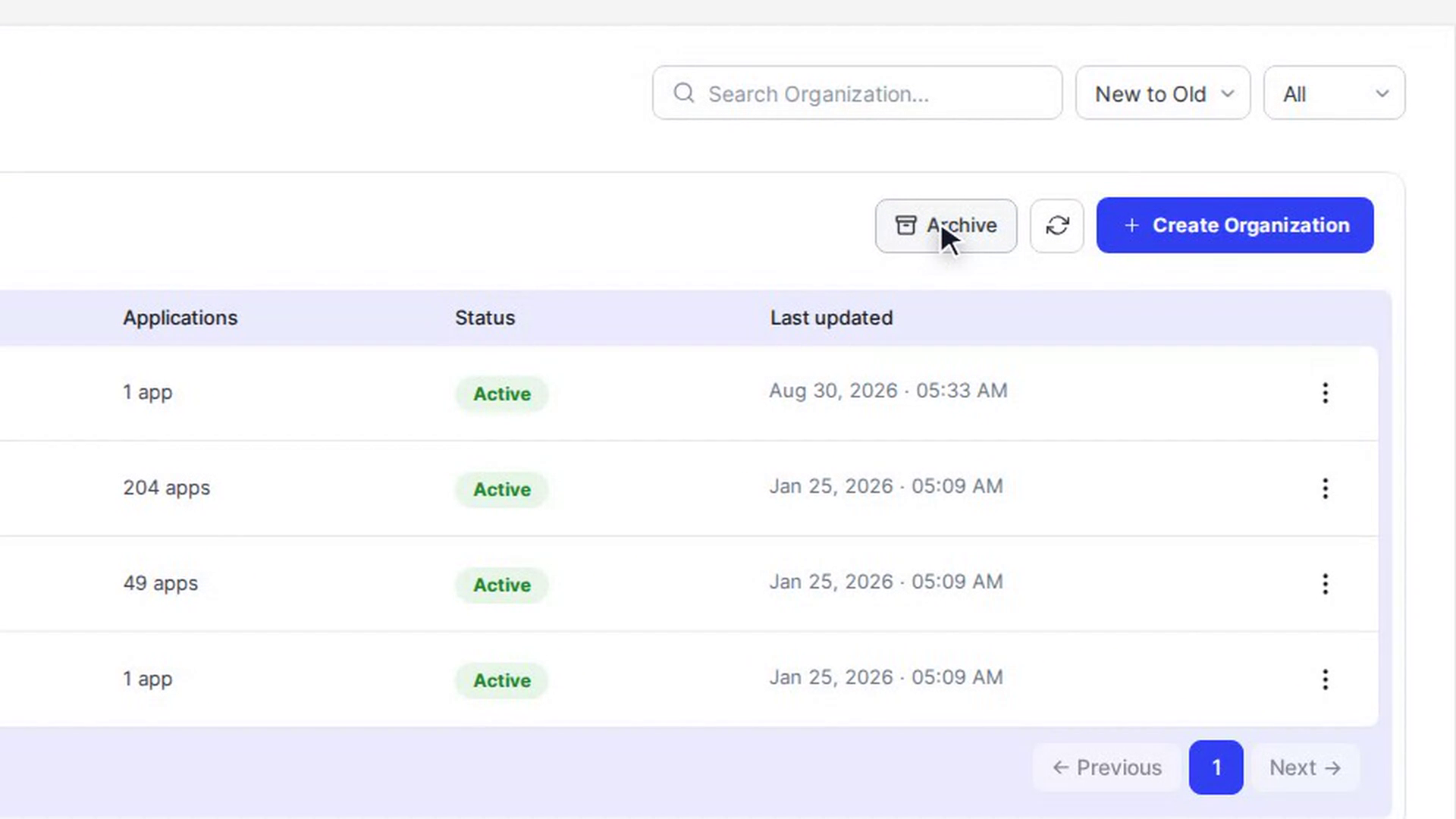
Select Archive above the table. The button changes to Archived and the list shows only archived organizations. Select Archived again to go back to the current list.
Restore an organization
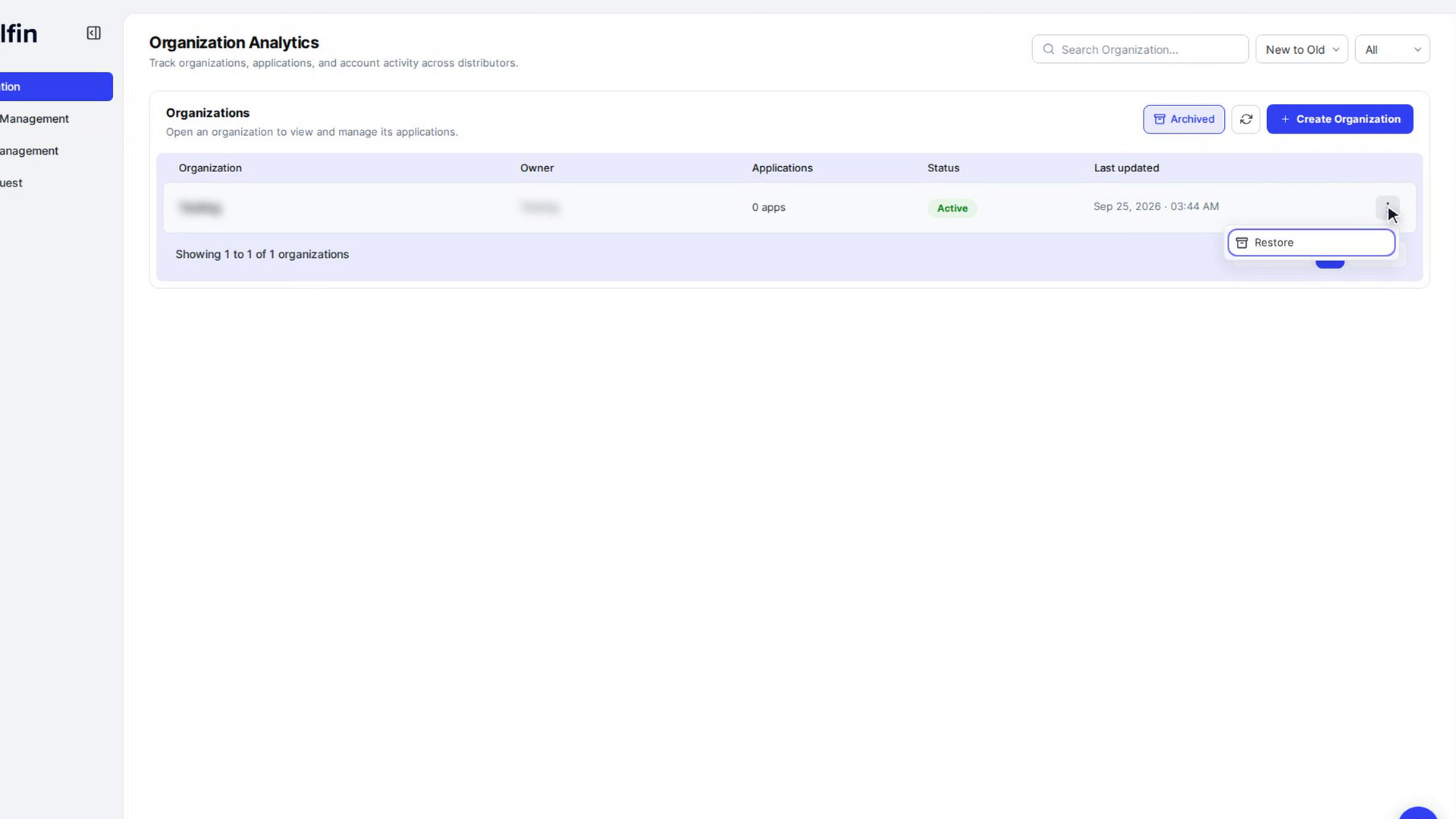
While viewing archived organizations, open the organization's More actions menu and choose Restore. You see Organization Restored, and the organization is back in the current list.
Screenshots
Step 1: Open the organization list
Step 2: Search and sort
Step 3: Filter by status
Step 4: Refresh the list
Step 5: Archive an organization
Step 6: See archived organizations
Step 7: Restore an organization
Step 8: See archived organizations
Watch how
Tip: Select anywhere else on an organization's row to open its details and see its apps.