Create an app from a description
Describe the app you want in your own words and Dalfin builds it for you. It's the quickest way to start a new app.
Before you start
- Anyone who can open the Dalfin home screen can do this.
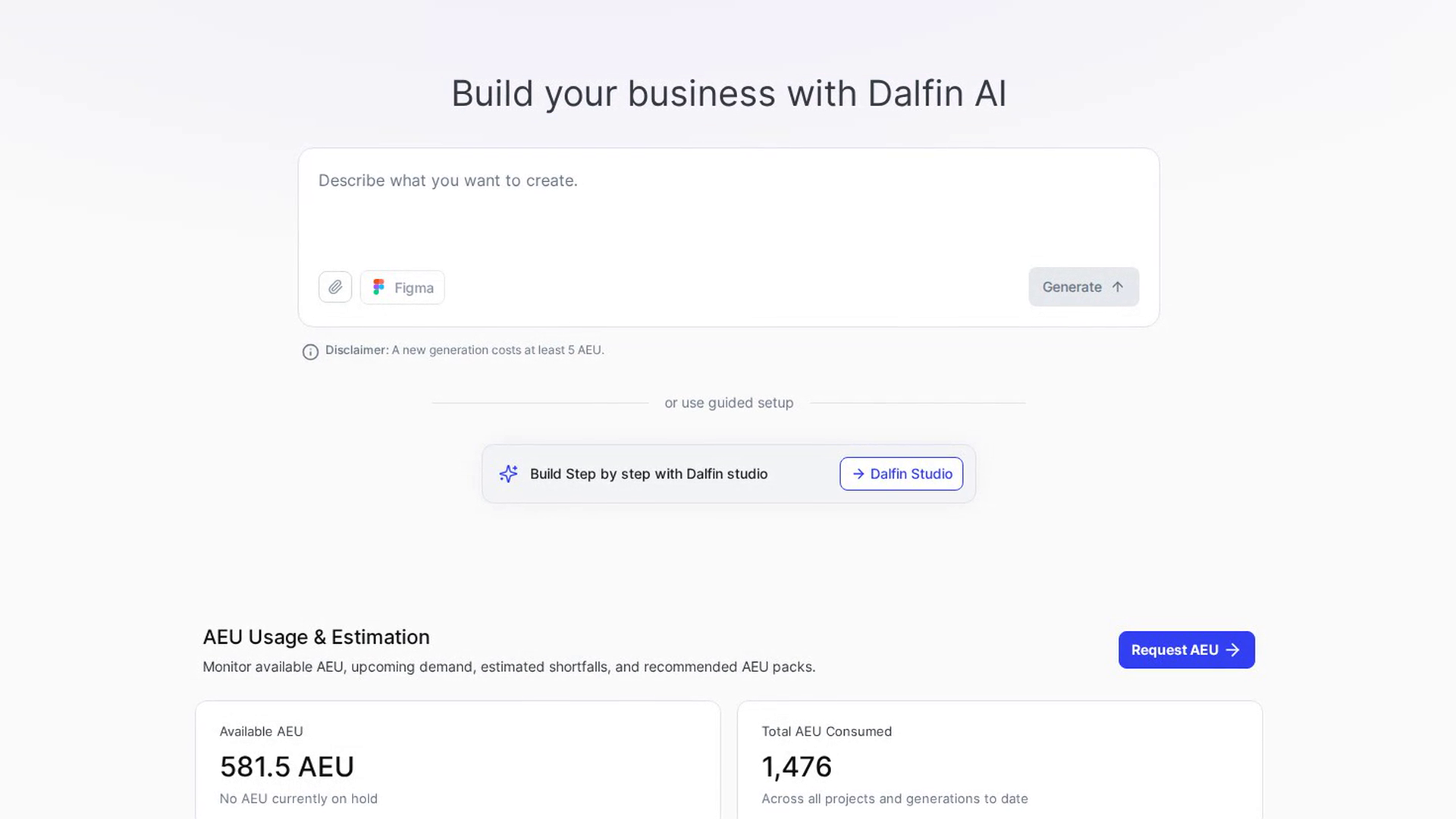
- Your organization needs at least 5 AEU available. A new generation costs at least 5 AEU.
Steps
Open the Dalfin home screen
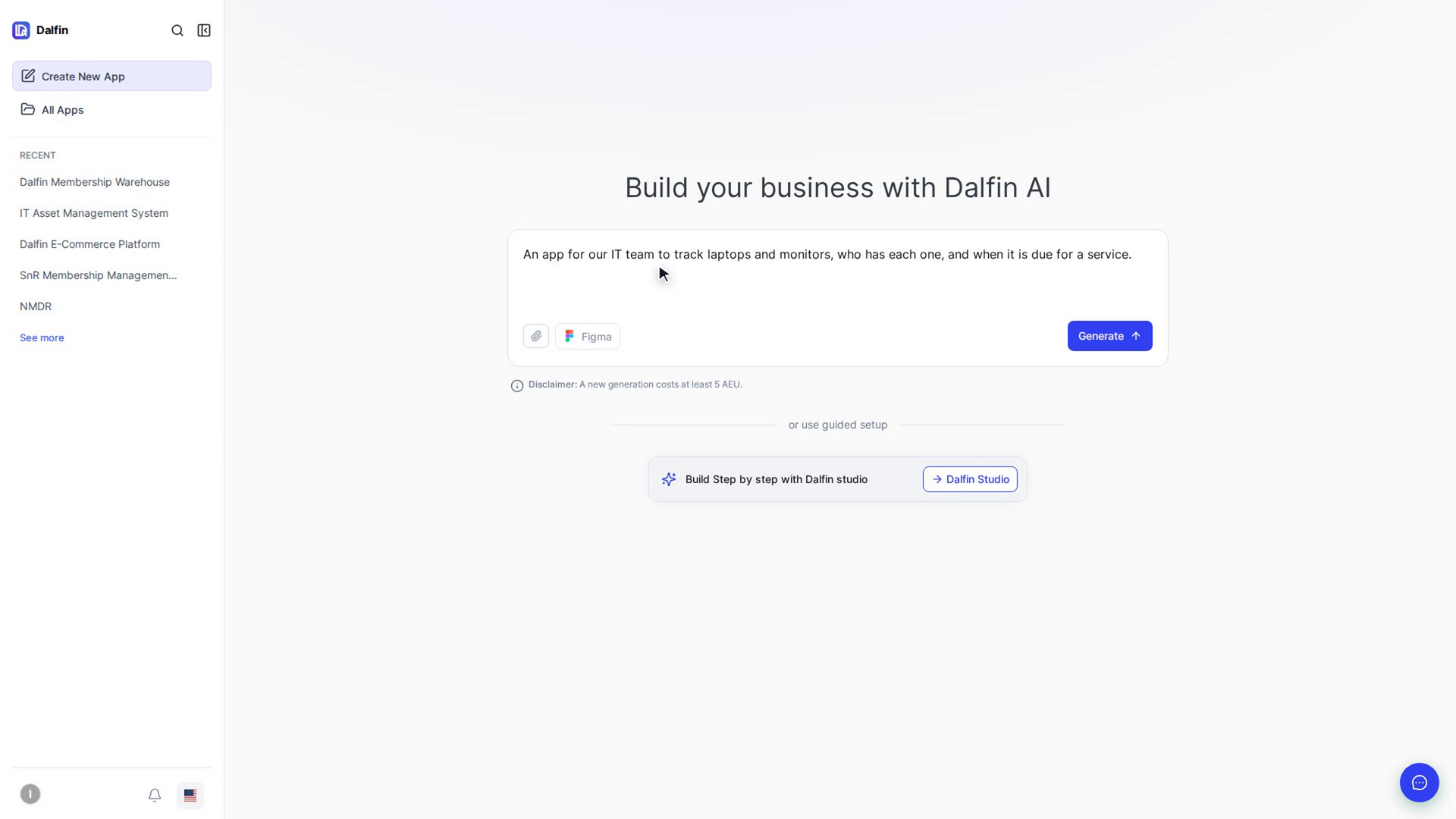
The home screen shows Build your business with Dalfin AI and a message box with the hint Describe what you want to create.
Describe your app
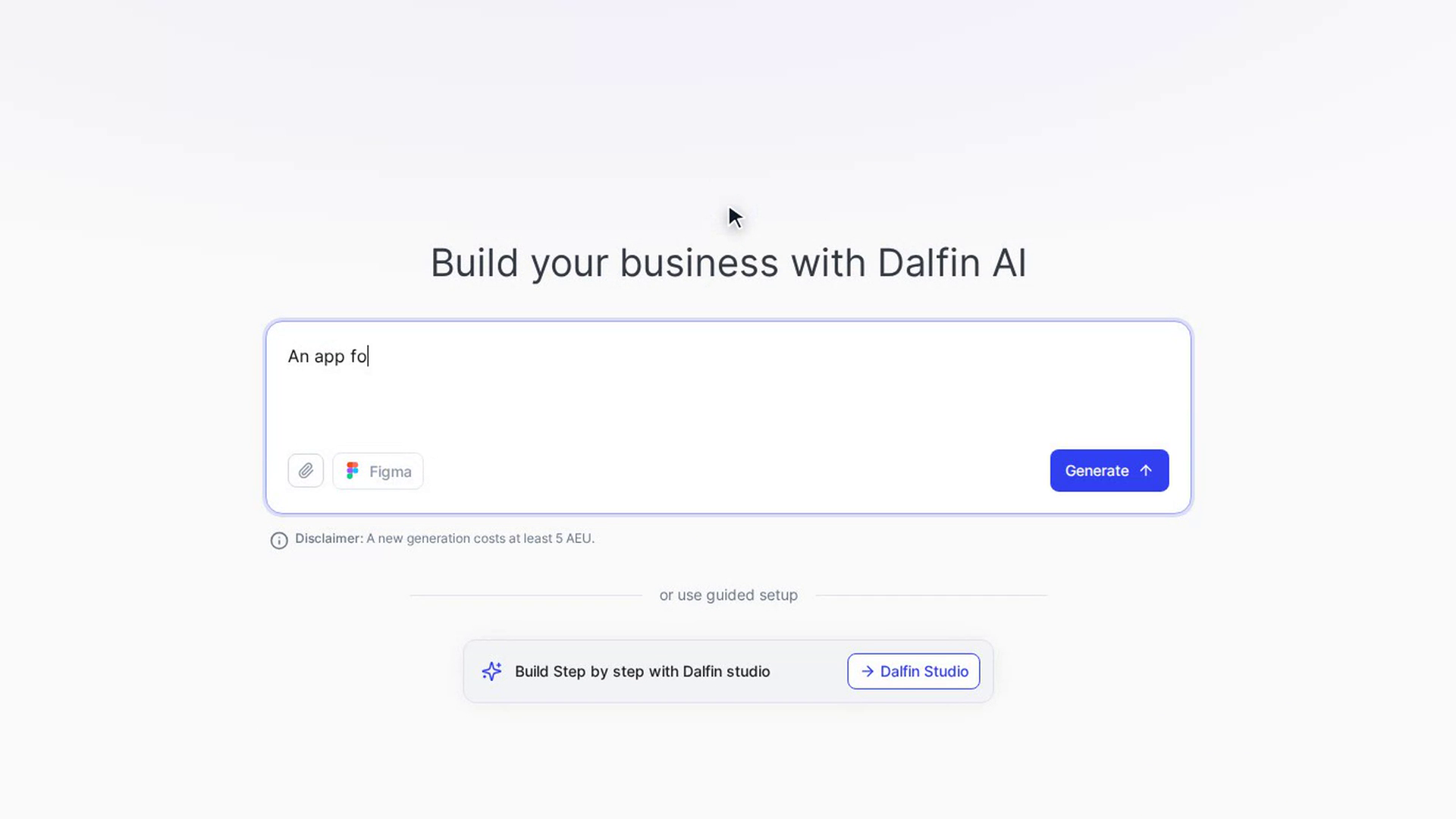
Click in the message box and type what you want to build. Say who uses the app, what they need to do and what information it keeps. Press Shift + Enter to start a new line.
If you paste a long text (more than 20 lines), it appears as a card above the message box instead of in the box itself. Click the card to read or edit it, or click ✕ to remove it.
Add files or a Figma design (optional)
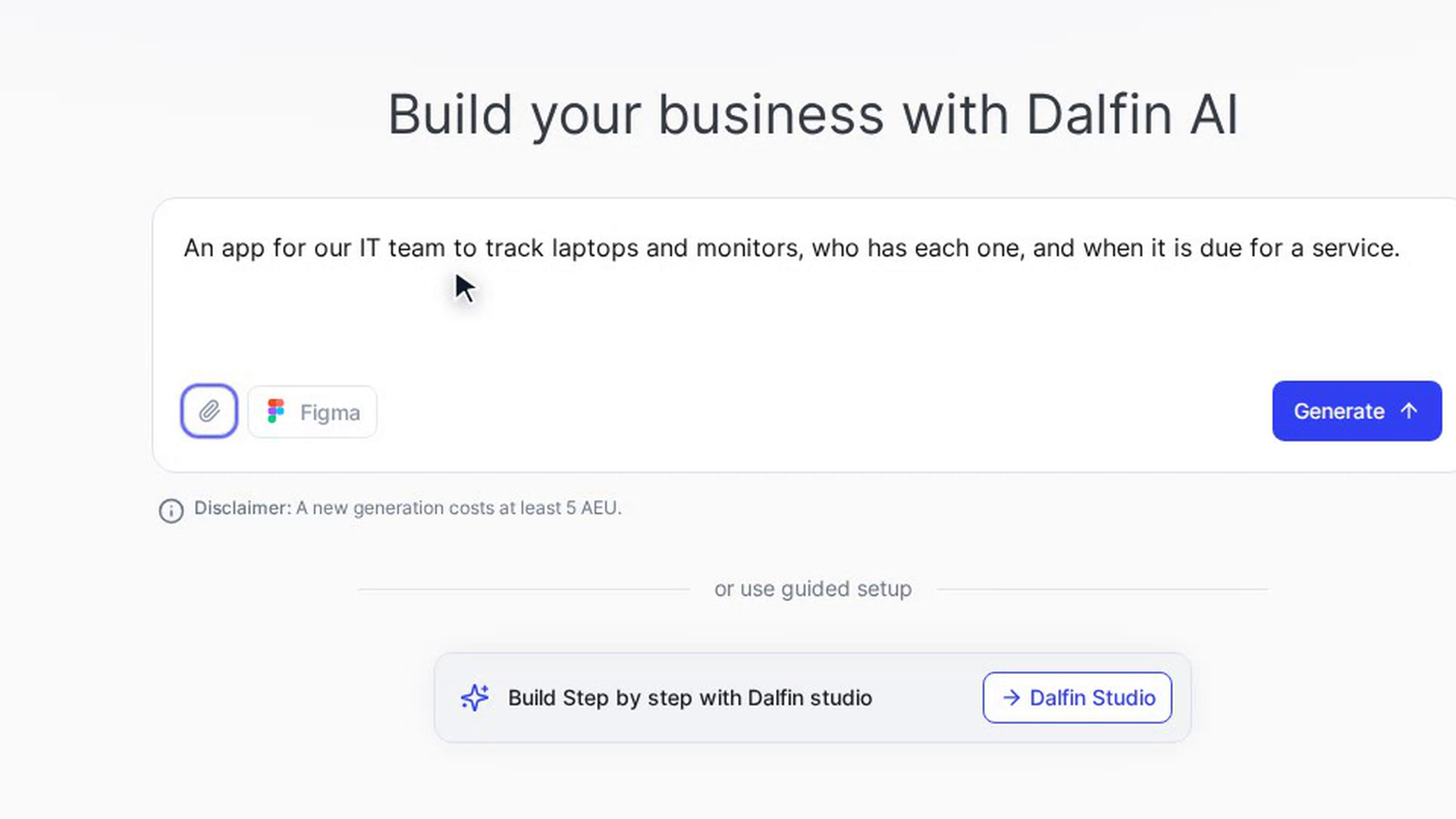
Click the paperclip to attach requirement documents, design references or screenshots. Click Figma to import a Figma design. See Attach requirements, designs or screenshots and Import a Figma design.
You can start with only files, or only a Figma design, if you'd rather not type a description.
Select Generate
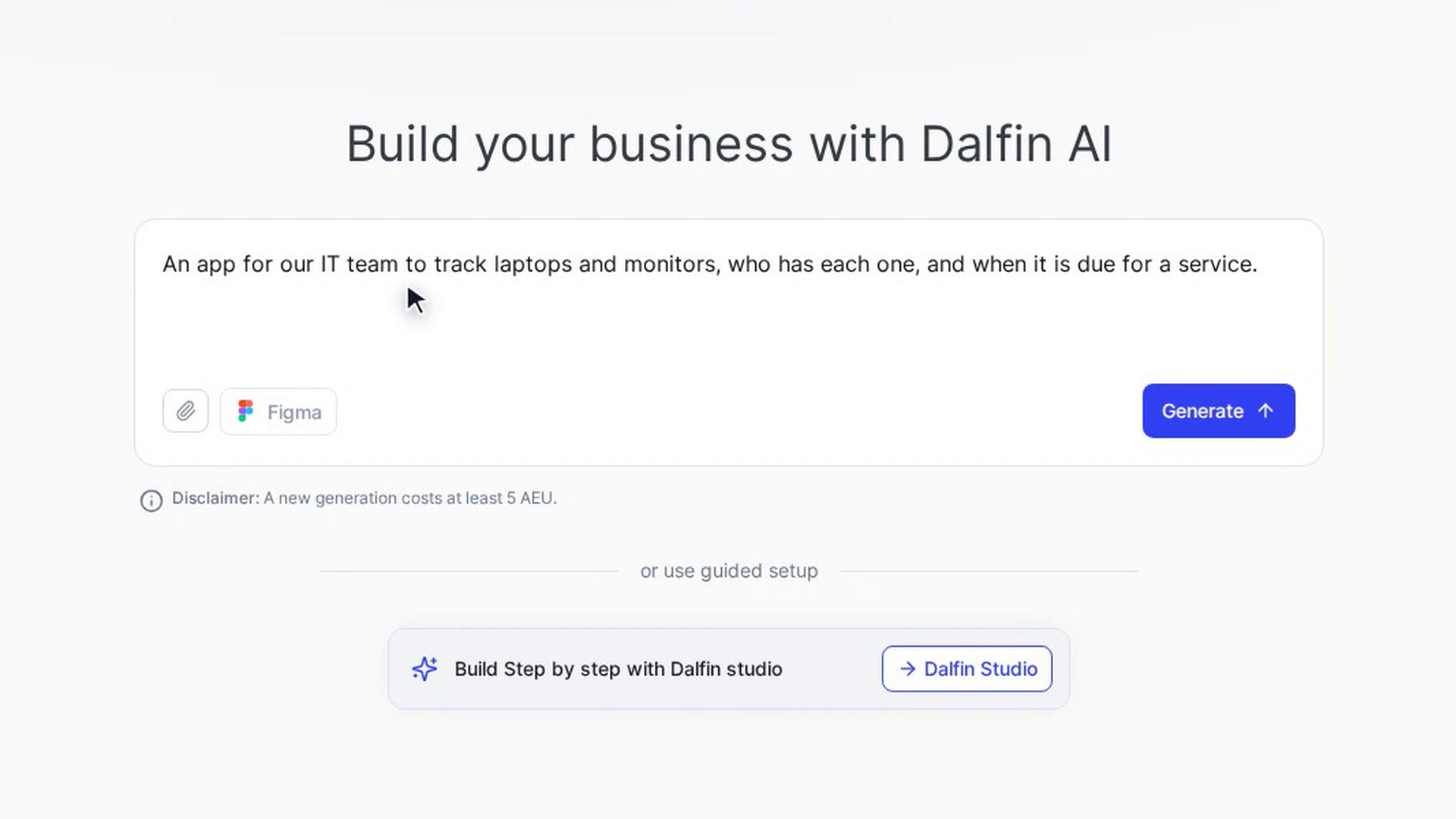
Select Generate or press Enter. Dalfin checks your AEU balance first. If it's too low, a message at the top of the screen tells you your current balance and nothing is spent.
If the balance is fine, the app workspace opens with Estimating AEU, generation time and complexity and some tips to read while you wait.
Review the estimate and start
When the estimate is ready, the Generation Estimate & Review screen shows the expected cost and time. Select Start Generation to begin building. See Review the generation estimate.
Screenshots
Step 1: Open the Dalfin home screen
Step 2: Describe your app
Step 3: Add files or a Figma design (optional)
Step 4: Select Generate
Step 5: Review the estimate and start
Watch how
Tip: If you'd rather answer questions step by step, choose Dalfin Studio under or use guided setup on the home screen.
A new generation costs at least 5 AEU. The exact amount is shown on the estimate screen before anything is spent.