Custom domain for your organization
Use your own web address, such as apps.yourcompany.com, instead of the default address the platform gives you. You add the domain, then point it at the platform with a DNS record at your domain registrar.
Before you start
- You need to be the organization owner, or have permission to view Domain Manager.
- You need access to the DNS settings of the domain you want to use (for example in Amazon Web Services, DigitalOcean or GoDaddy).
- The Domain menu is not shown on local installations.
Steps
Open Domain Manager
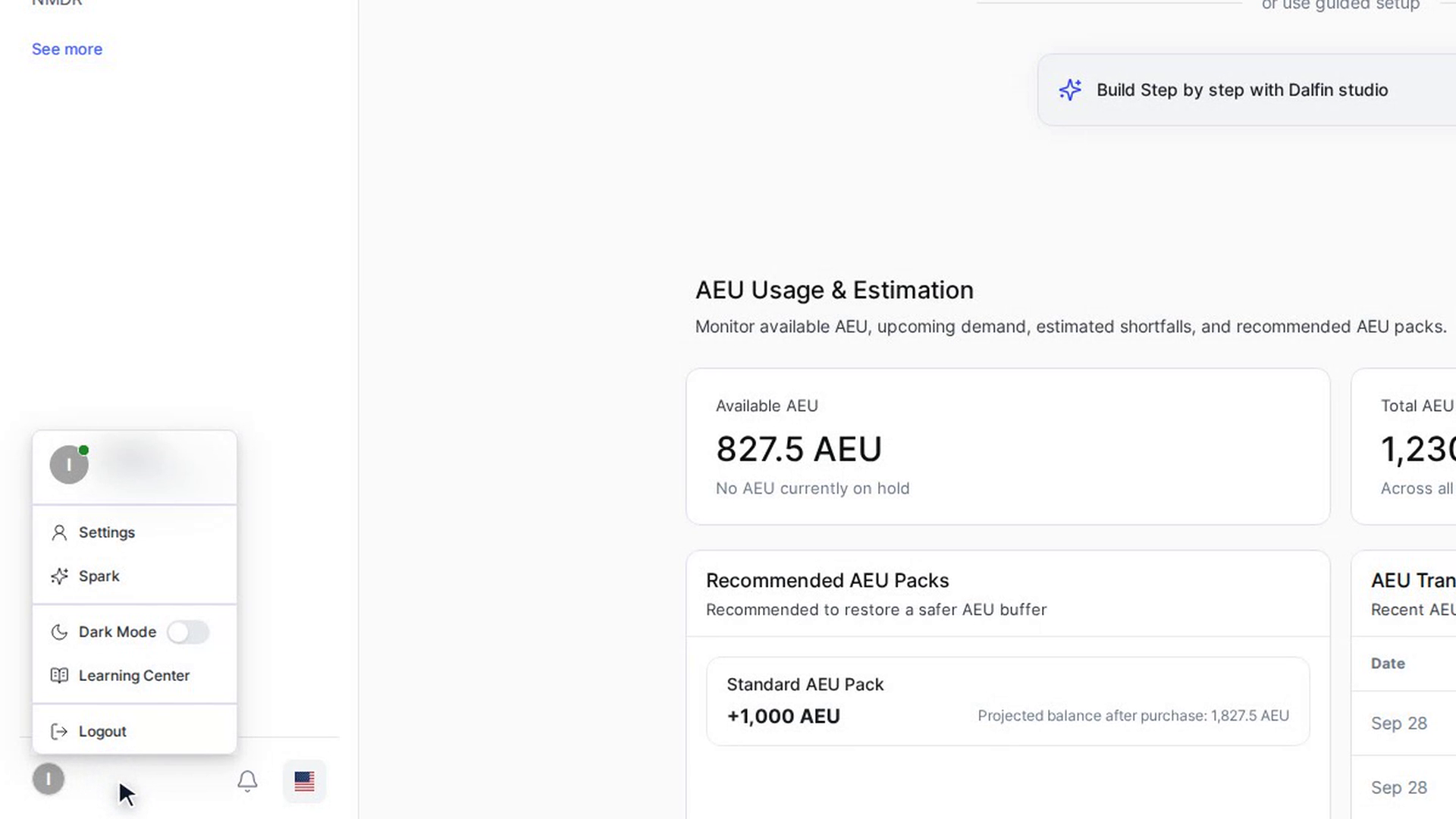
Select your name and picture at the bottom left of the Dalfin sidebar and choose Settings. In the Settings sidebar, open Organization Configuration, then Domain, and select Domain Manager.
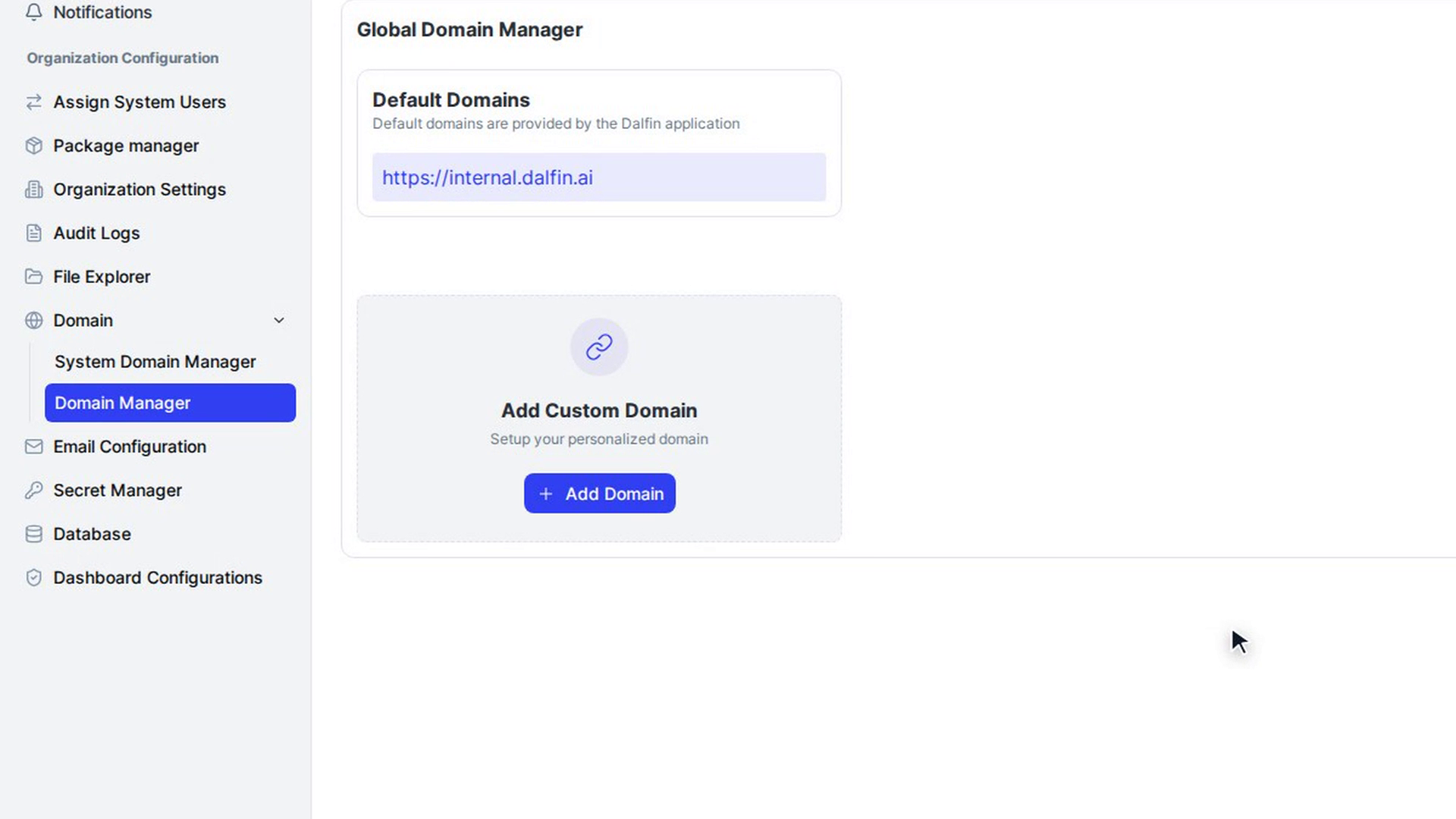
The Global Domain Manager section lists your Default Domains (the addresses the platform gives you) and any Custom Domain you have already added.
Add your custom domain
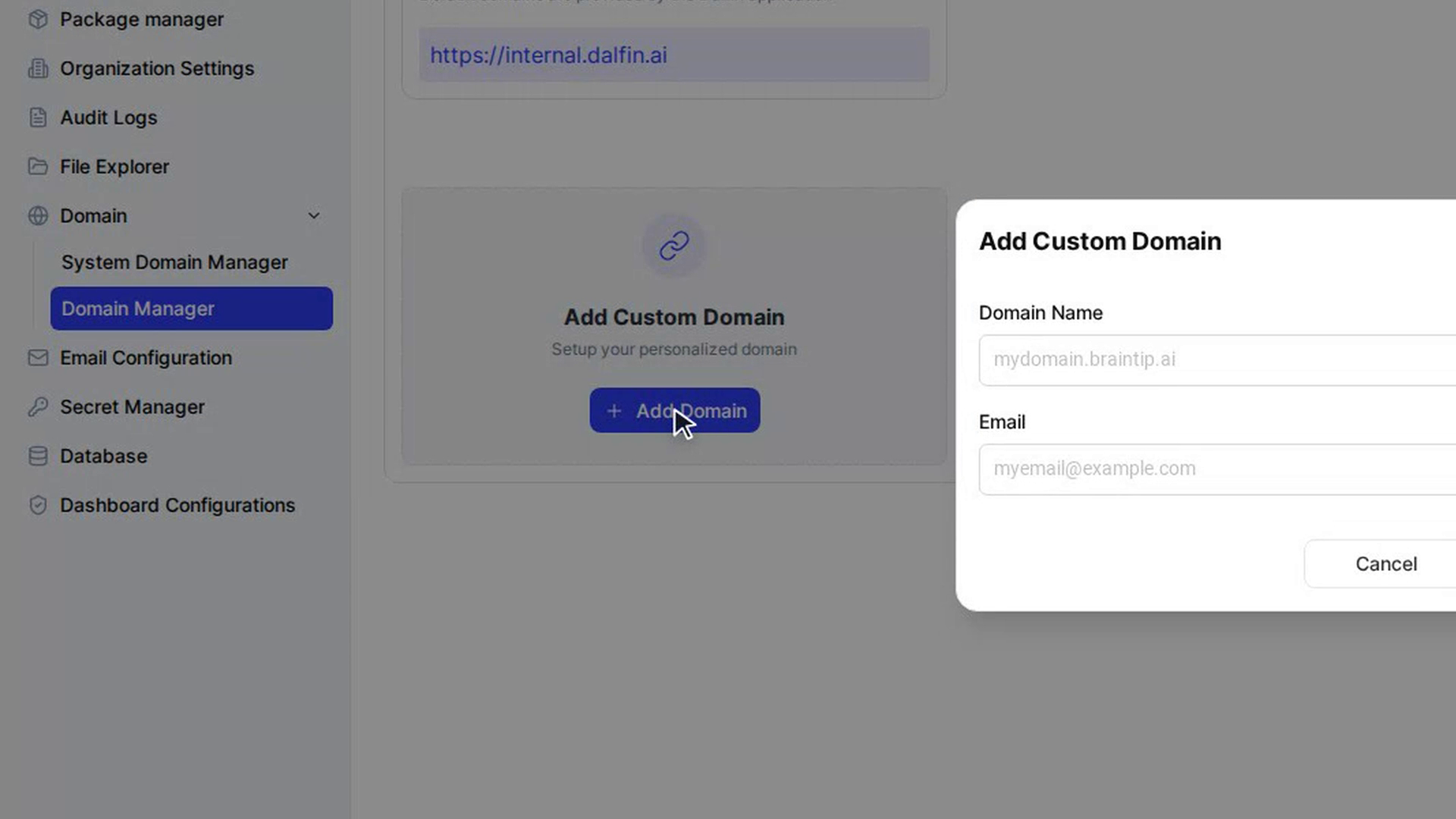
On the Add Custom Domain card, select Add Domain. In the Add Custom Domain window, fill in:
- Domain Name: the address you want to use, for example
mydomain.yourcompany.com - Email: a contact email address
Select Add Domain. You are taken to a checkout page to pay for the custom domain. When the payment is finished, you return to Domain Manager and the domain appears under Custom Domain.
Get the DNS record
On your custom domain's card, select Details. The Domain window lists the DNS record you need:
- Application: CDN
- Type: CNAME
- Hostname: your domain
- Value: the address your domain must point to
- TTL: Default
- DNS Status
Select the copy icon next to a value to copy it.
Add the record at your registrar
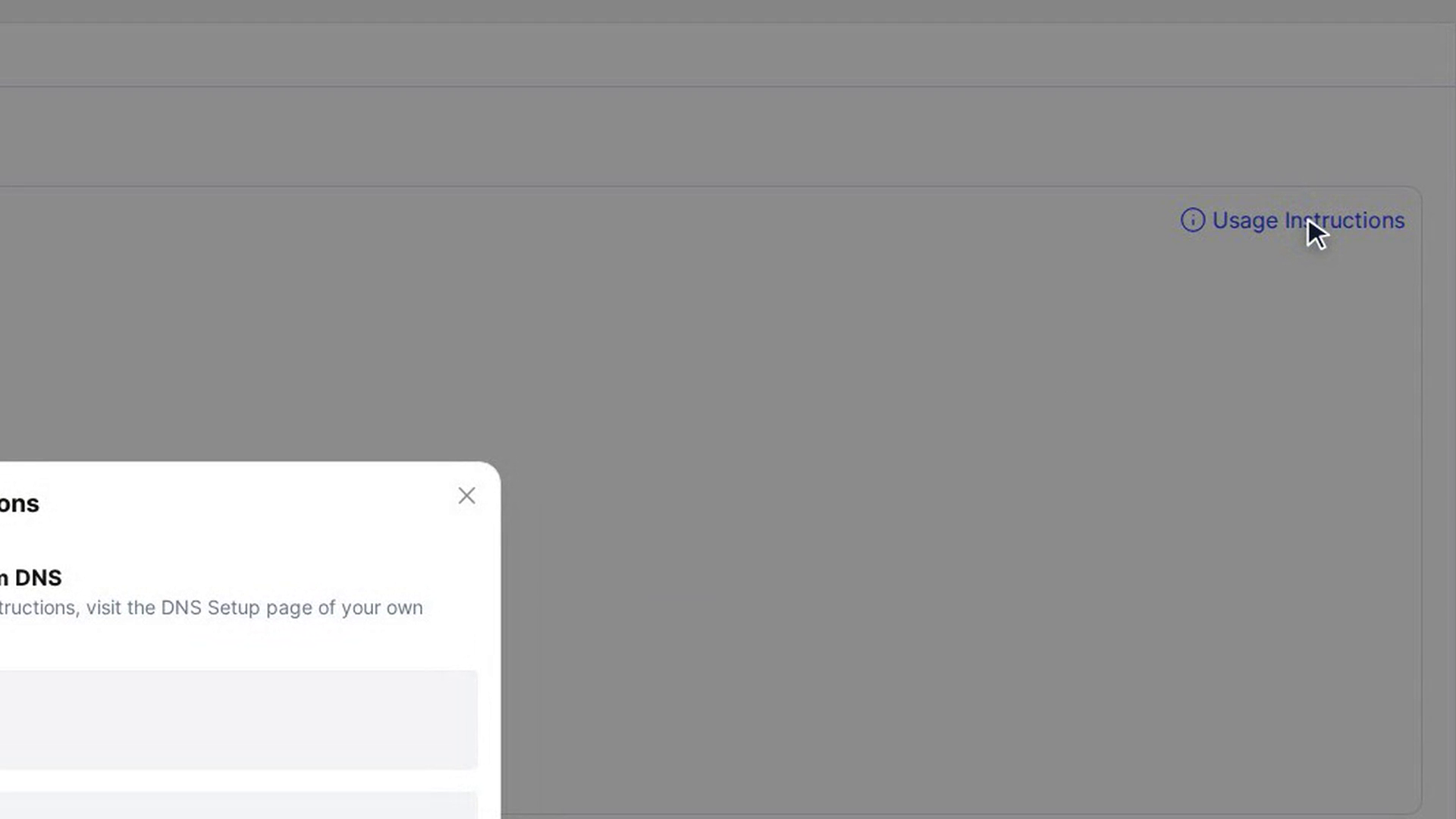
Select Usage Instructions at the top right of the page. The window links to DNS setup guides for Amazon aws, DigitalOcean and GoDady. Open the guide for your registrar and add a CNAME record with the Hostname and Value you copied.
DNS changes can take some time to reach everyone. Once they have, your domain opens your organization's platform.
Screenshots
Step 1: Open Domain Manager
Step 2: Add your custom domain
Step 3: Get the DNS record
Step 4: Add the record at your registrar
Watch how
Adding a custom domain is a paid feature. You are asked to pay before the domain is added.