Using AI extensions
The Code tab is a full code editor in your browser, and it works with extensions like Claude Code. You can use AI coding assistants to help you understand, review and change your app's code in plain language.
Dalfin uses Claude Code. The steps below show how to use it.
Before you start
- You need access to the app's Code tab. See Code (in-browser IDE).
- Claude Code needs Claude access for your organization. If you see Your organization has disabled Claude subscription access for Claude Code, ask your admin to turn it on.
Steps
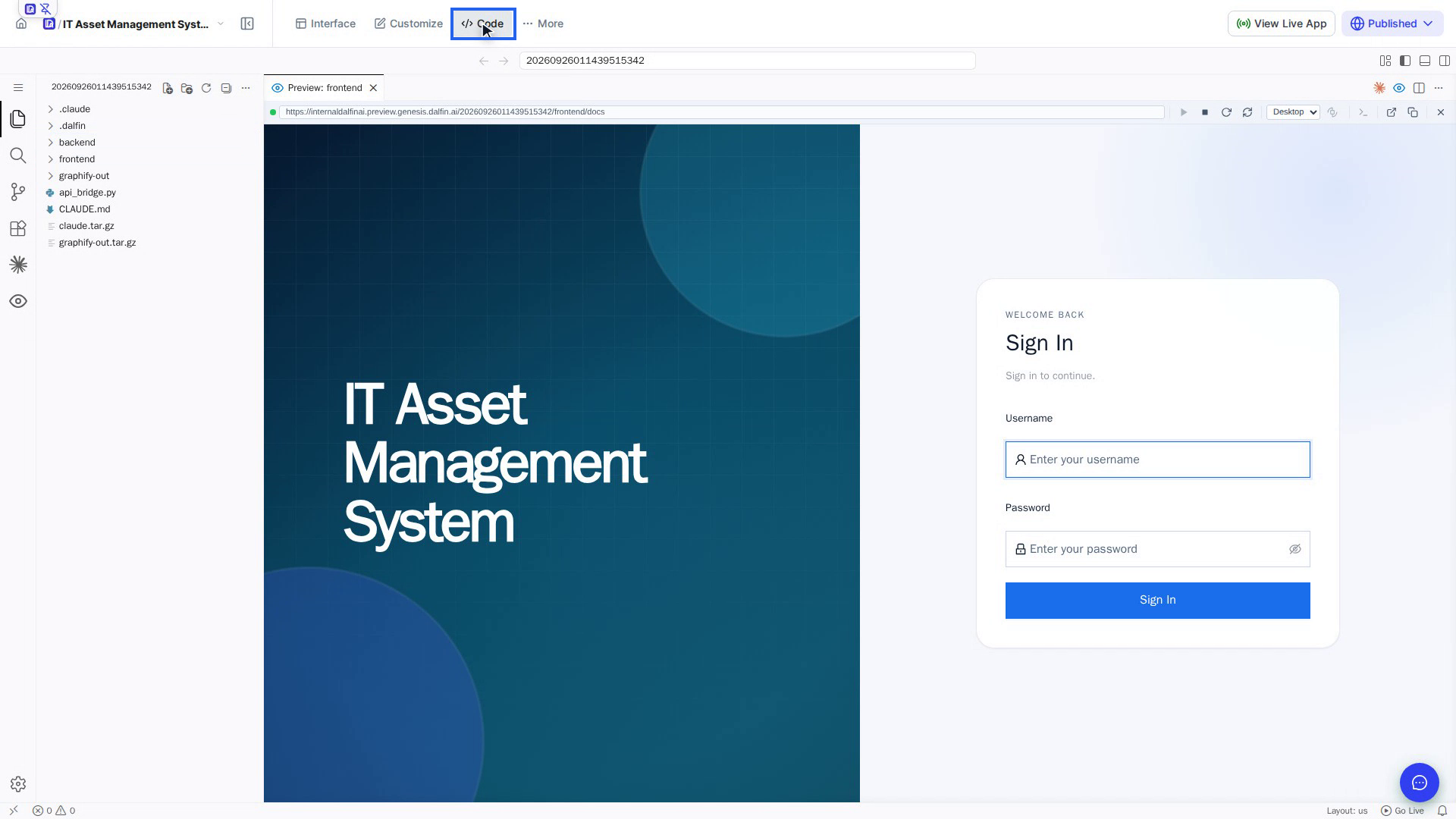
Open the Code tab
Open your app from All Apps and select Code in the top bar. Wait for the editor to finish loading.
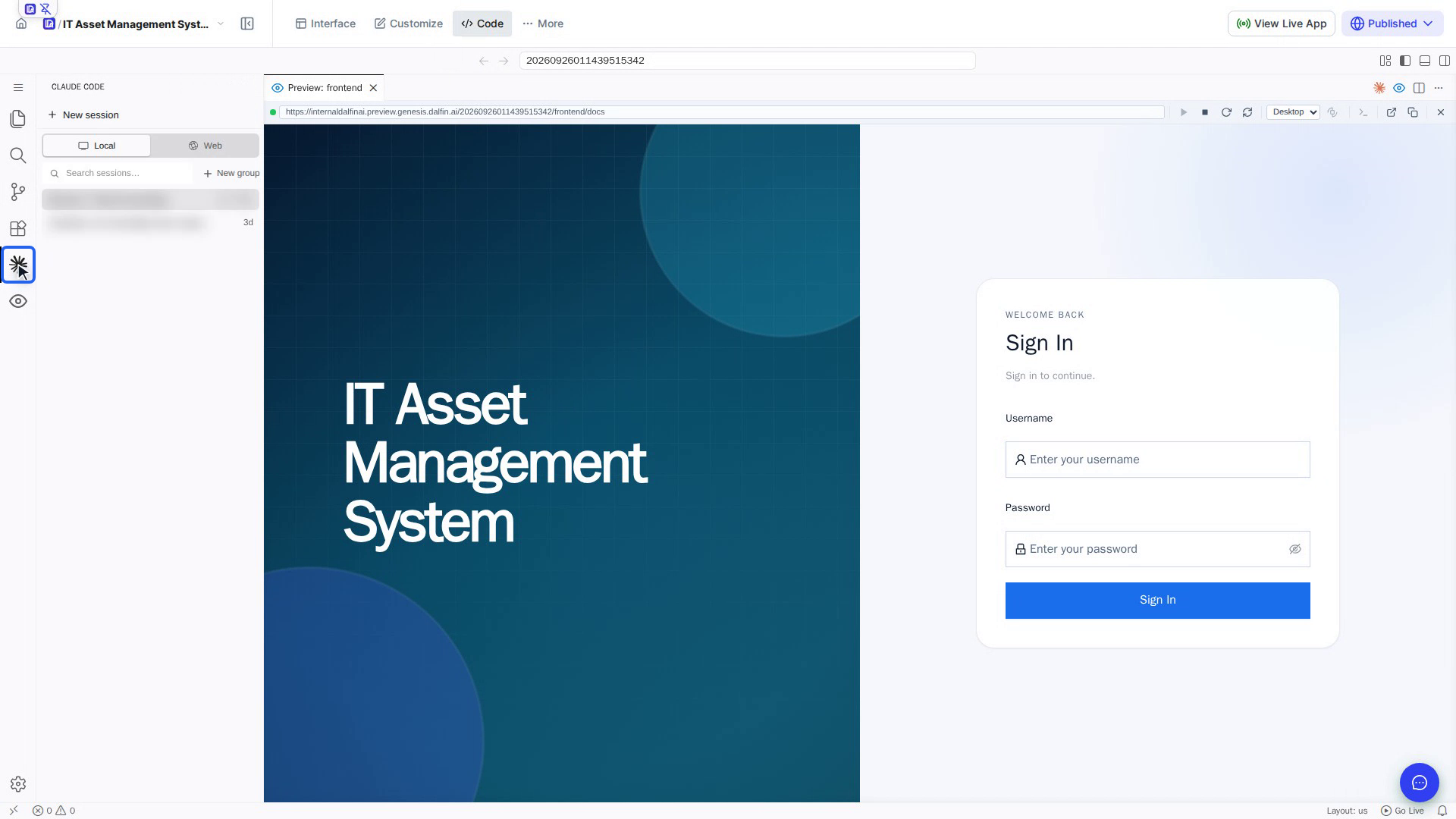
Open Claude Code
Select Claude Code (the star icon) in the editor's left bar, or select Claude Code: Open at the top right. The Claude panel opens alongside your files.
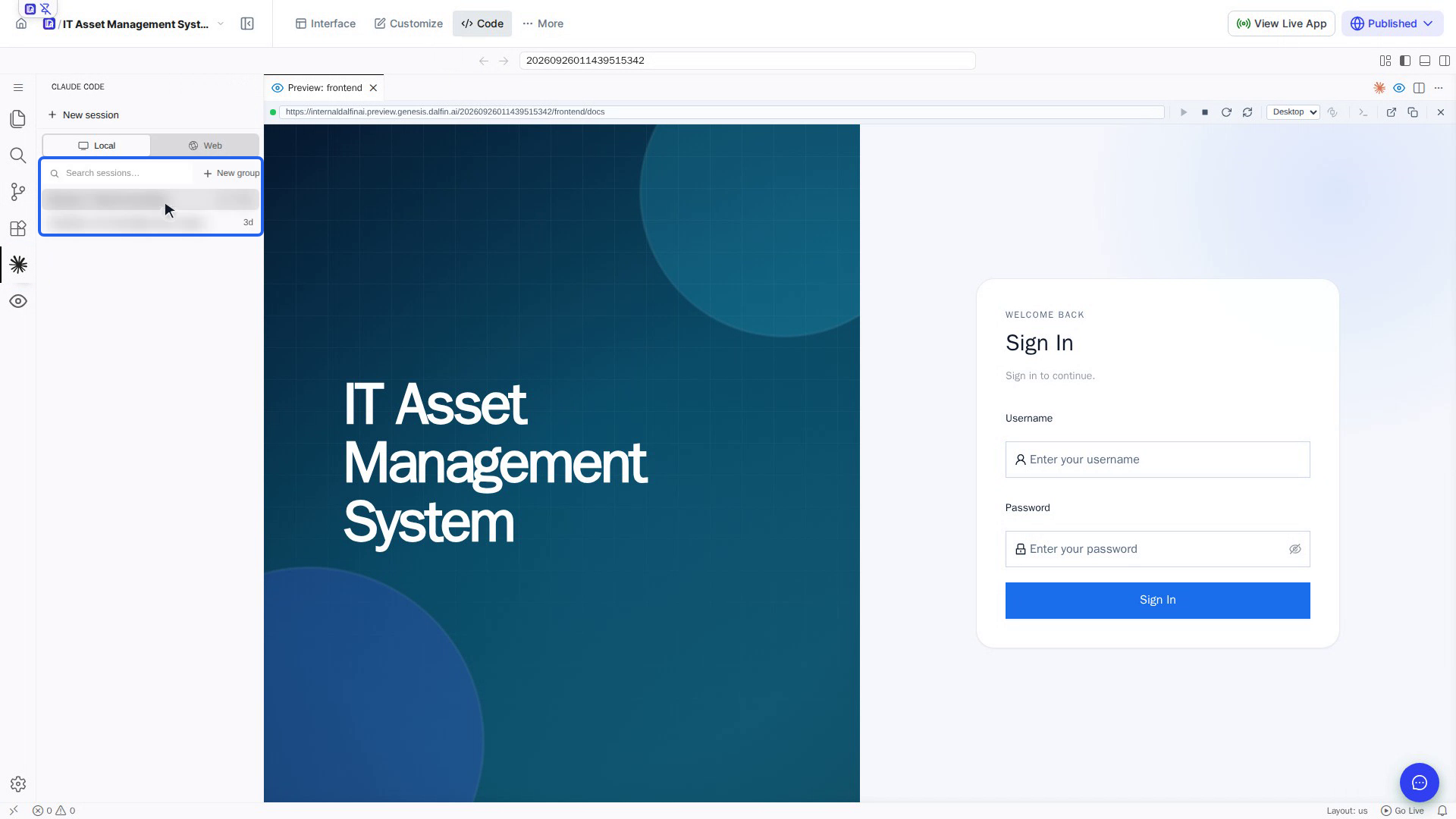
Find your sessions
The panel lists your previous conversations (sessions), newest first. Use Search sessions… to find one. Point at a session to rename or delete it, and select it to pick up where you left off.
Start a new session
Select New session. A fresh Claude Code tab opens next to your files. Nothing is saved to the list until you send your first message.
Ask Claude to customize your app
Type what you want in the Ask Claude to edit… box and send it. Claude reads your project first (guided by CLAUDE.md), so it understands your app's structure.
Examples of what you can ask:
- "How are the frontend and backend organised?"
- "Add a Warranty expiry date field to the Assets form"
- "Change the sidebar colour to dark blue"
- "Rename the Discrepancies menu item to Issues everywhere"
Select + to attach files for extra context, and / to see available commands.
Screenshots
Step 1: Open the Code tab
Step 2: Open the extension
Step 3: Find your sessions
Step 4: Start a new session
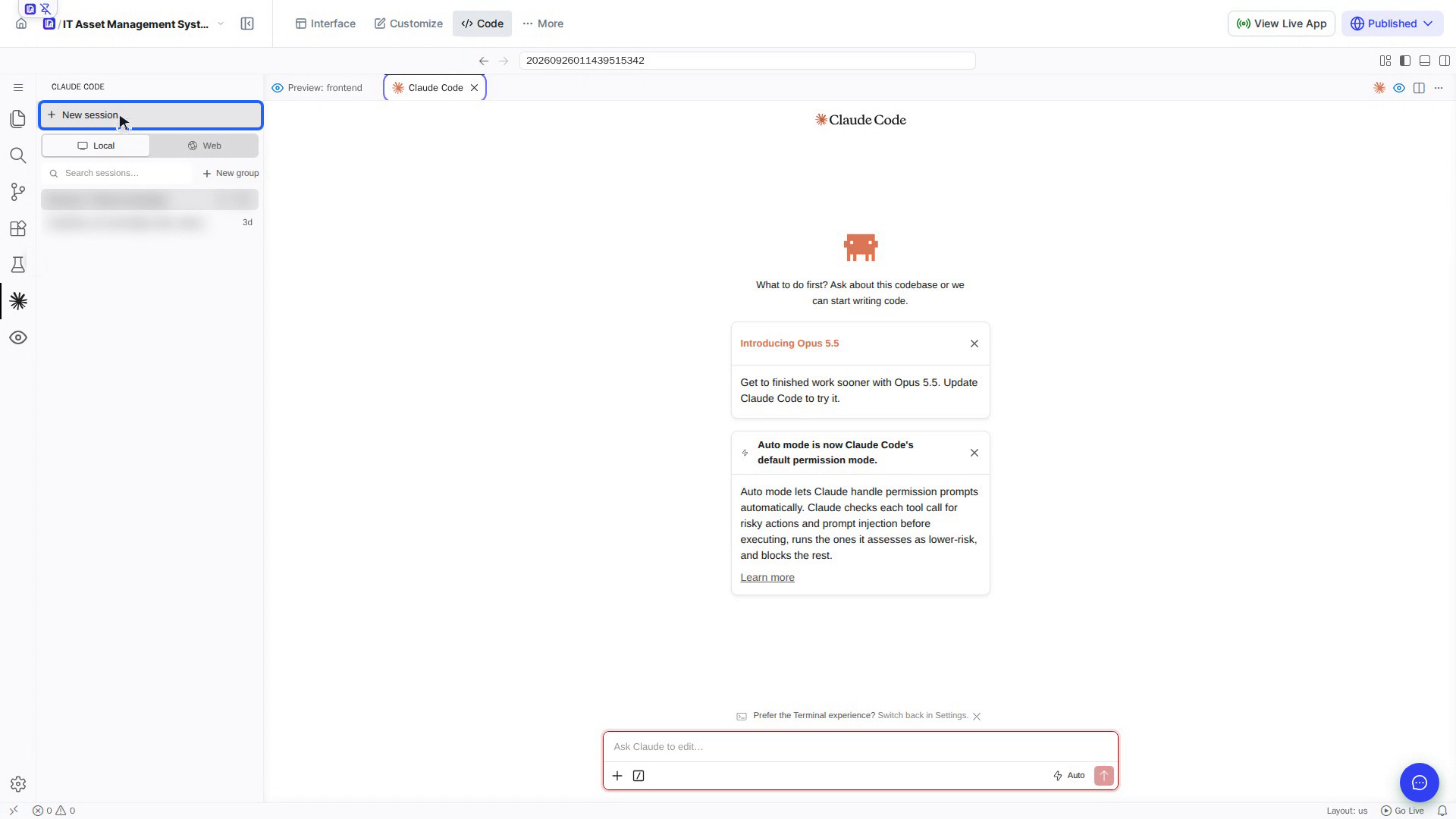
Step 5: Ask about your code

Watch how
Changes Claude makes go straight into your app's real files, and there is no change history to roll back to. Say clearly what it may change, and check the result in the preview.